
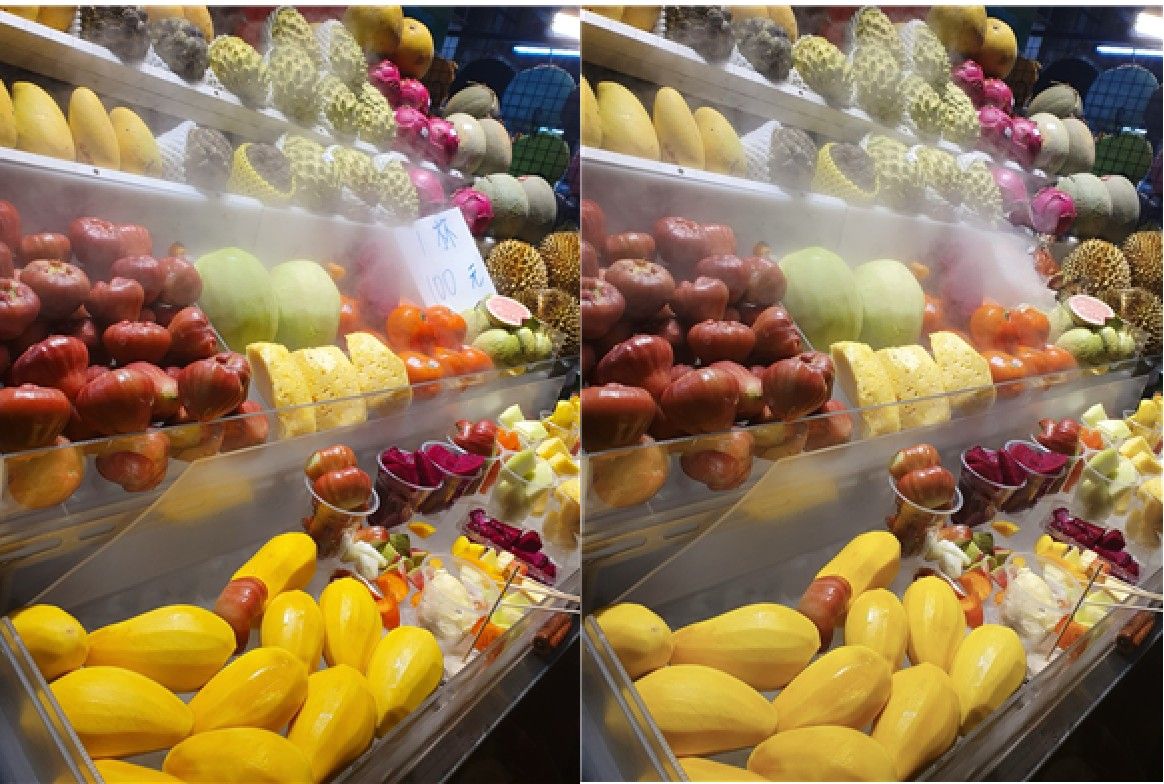
The photo editing feature now includes a new 'Cleanup' tool. It flawlessly removes small elements that distract from the main subject of the photo. It could be used on any photo in the photo library, including those taken with other devices. Cleanup was available even when not connected to the internet. However, erasing large objects in a photo left traces like borders, resulting in unnatural outcomes.
Camera analyzes and searches when pointed
Erases objects in photos, helps with writing
Calls Samsung laptop a "MacBook" by mistake
Last weekend at dusk, I pointed my iPhone at the Han River from a building on the north end of Mapo Bridge. After pressing and holding the right camera control for about two seconds, Apple Intelligence's visual intelligence feature was activated. The AI recognized the scene through the camera lens, and ChatGPT analyzed it, saying, "This is the Han River in Seoul, with high-rise buildings and a bridge visible in the distance."
I tried out Apple Intelligence, which Apple released in Korean on the 1st. While the iPhone, now equipped with generative AI features, has become much smarter than before, users already familiar with various AI services like ChatGPT may not find any particularly surprising innovations.
The most notable feature was the "visual intelligence" function, where AI recognizes and analyzes scenes captured by the camera lens. Visual intelligence is divided into "ask" and "search" functions. For example, after taking a photo of an exercise machine at the gym I didn't know the name of, I pressed "ask," and ChatGPT accurately identified it as "step box" and "lat pulldown." When I photographed a flower whose name I didn't know, it provided both the flower's name and its symbolic meaning. When I scanned an English product manual, it naturally translated it into Korean. When I took a picture of an IT event poster I needed to attend for reporting, a window titled "Create Event" popped up, recognizing the date and location on the poster and inputting them into the calendar.
This time, I photographed part of a laptop screen and keyboard I was working on. The AI surprised me by commenting on the weather information on the monitor, saying, "You're working on a sunny day," but then made a mistake by saying, "Judging by the keyboard layout, this looks like a MacBook," even though the laptop was actually a Samsung Electronics product. ChatGPT's answers could be copied with a single tap, but were limited to five or six lines at most and were not automatically saved. The search function within visual intelligence works by searching the subject on Google Images. Since this was similar to the "Circle to Search" feature introduced with the Samsung Galaxy S24 last January, it didn't feel particularly new.
The "writing tool" Apple ambitiously introduced could turn roughly written text into a complete piece. Popular functions like "make it friendly," "make it professional," and "make it concise" were given their own sections, allowing users to convert text with a single tap. Additionally, you could freely change the tone, such as "make it sound like social media," and use ChatGPT's writing features to add content. It was also possible to convert text into a table or extract only the key points.
Siri, now with ChatGPT capabilities, allowed for more natural and comfortable conversations than before. It understood context, so even if you made a mistake?like saying, "Set an alarm. 7 a.m.?no, 8 a.m."?it would still deliver the desired result. However, seamless integration between applications still seemed difficult. After asking Siri, "What's the weather like in Seoul today?" and receiving an answer, I then said, "Write the Seoul weather in Notes," but it only entered "Seoul weather" instead of the actual answer, which was disappointing.
-

Reporter Kim Bokyung bkly477@asiae.co.kr
-
Edit Kim Hyunhee faith100@asiae.co.kr
© The Asia Business Daily(www.asiae.co.kr). All rights reserved.